Page 2 of 4
Re: Quadrocopter Build Thread
Posted: Sun Jun 10, 2012 2:19 am
by thesaxmachine
Re: Quadrocopter Build Thread
Posted: Mon Jun 11, 2012 1:25 pm
by Kaldonis
Pretty. What's the material?
Re: Quadrocopter Build Thread
Posted: Mon Jun 11, 2012 2:02 pm
by thesaxmachine
Some sort of aluminum laminated plastic
Re: Quadrocopter Build Thread
Posted: Tue Jun 12, 2012 11:14 am
by Bergo
got my ESCs, battery, and motors soldered up last night, will hopefully get the frame assembled tonight.
Re: Quadrocopter Build Thread
Posted: Wed Jun 13, 2012 10:06 am
by thesaxmachine
Re: Quadrocopter Build Thread
Posted: Thu Jun 14, 2012 10:49 pm
by epoch19
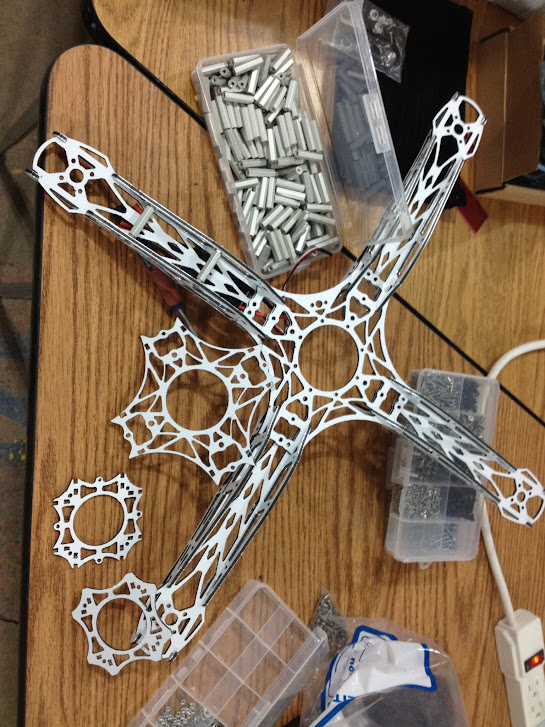
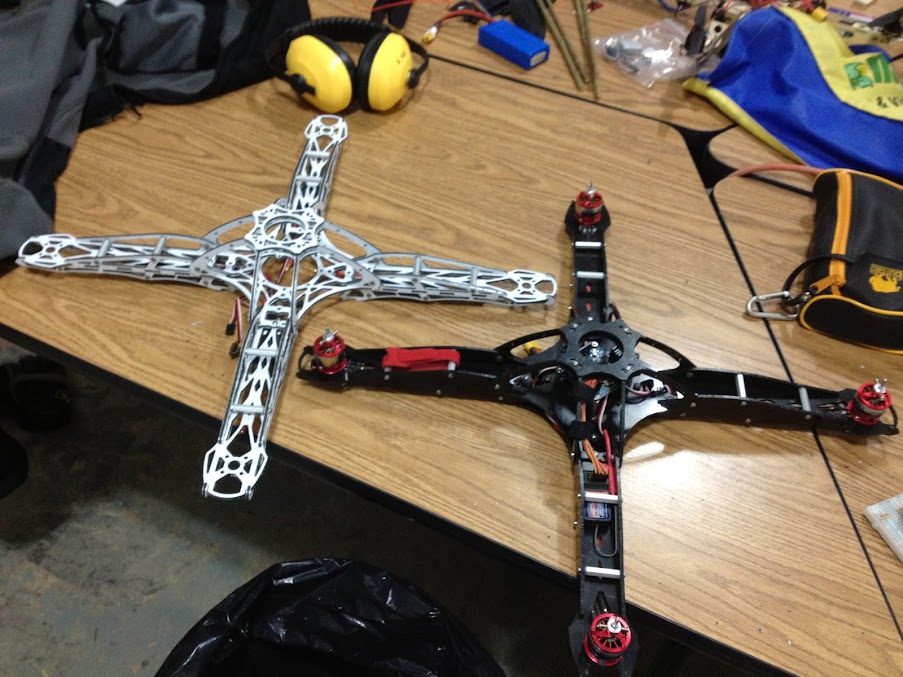
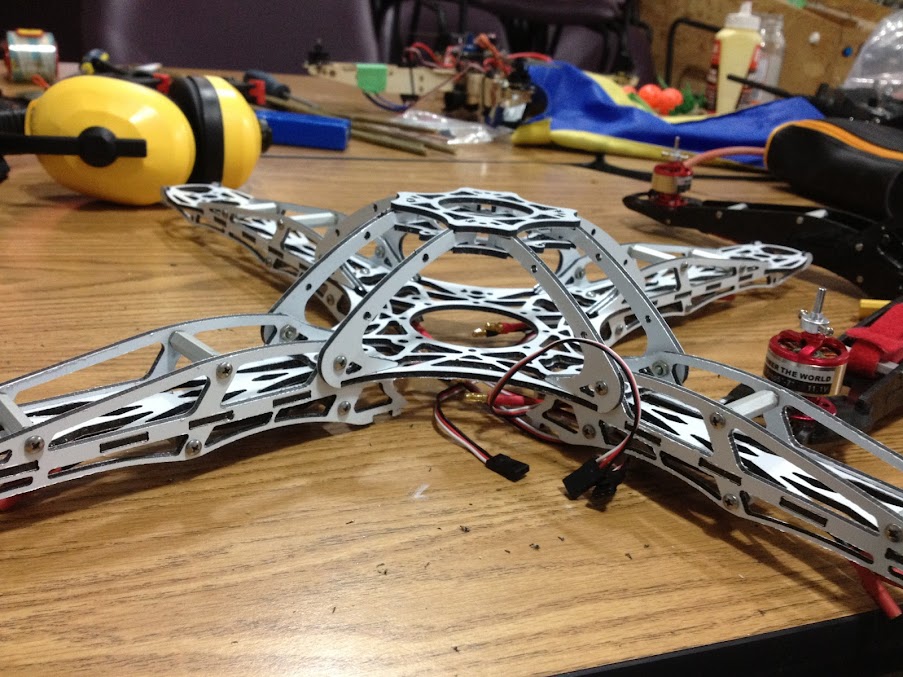
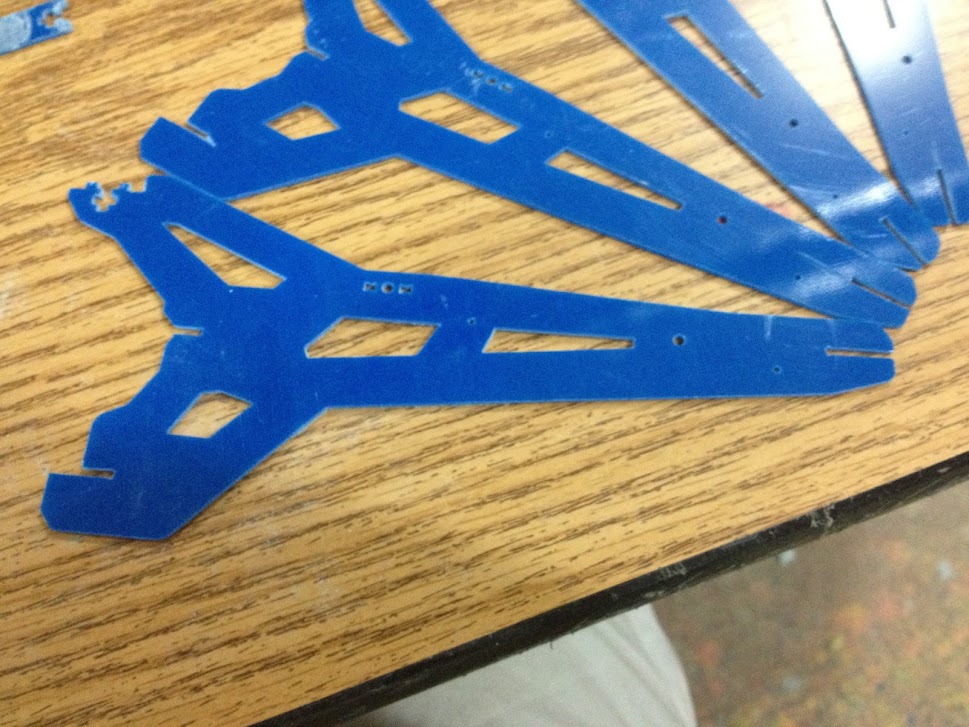
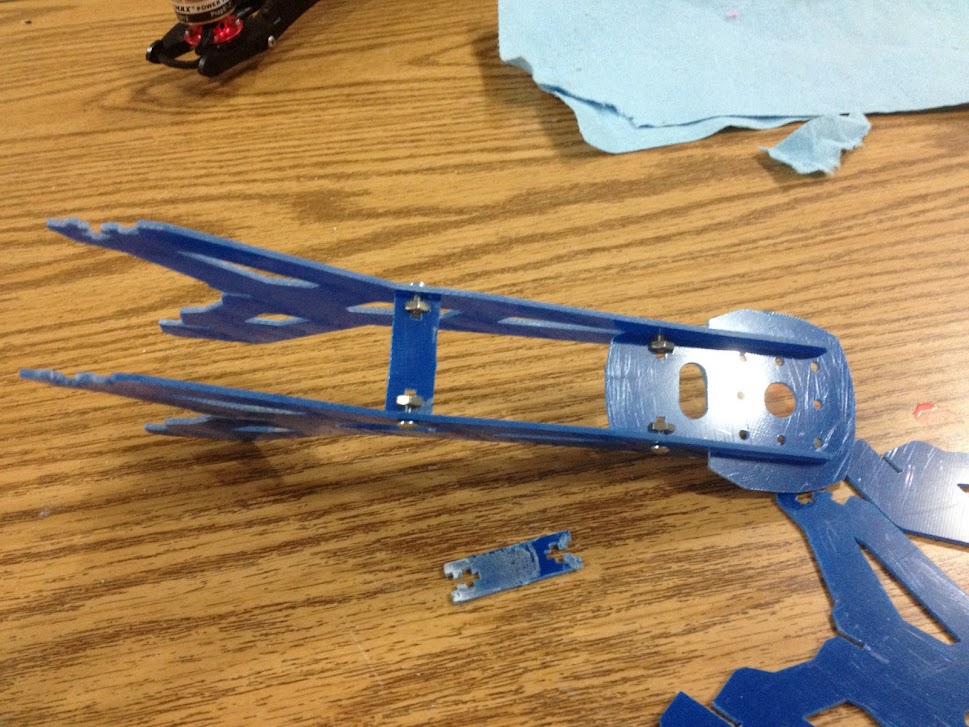
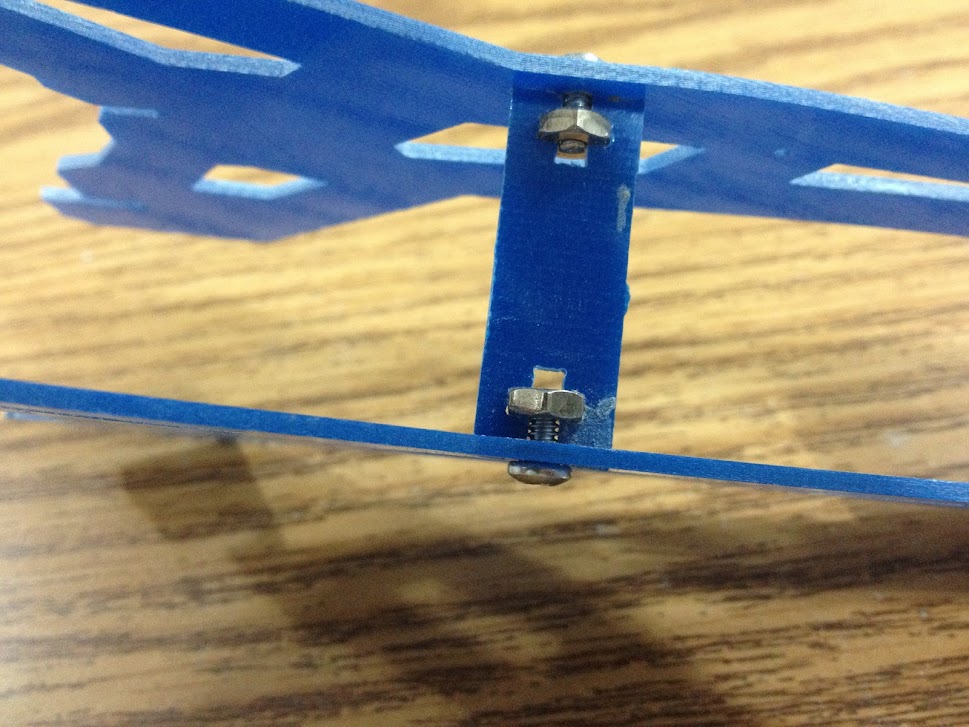
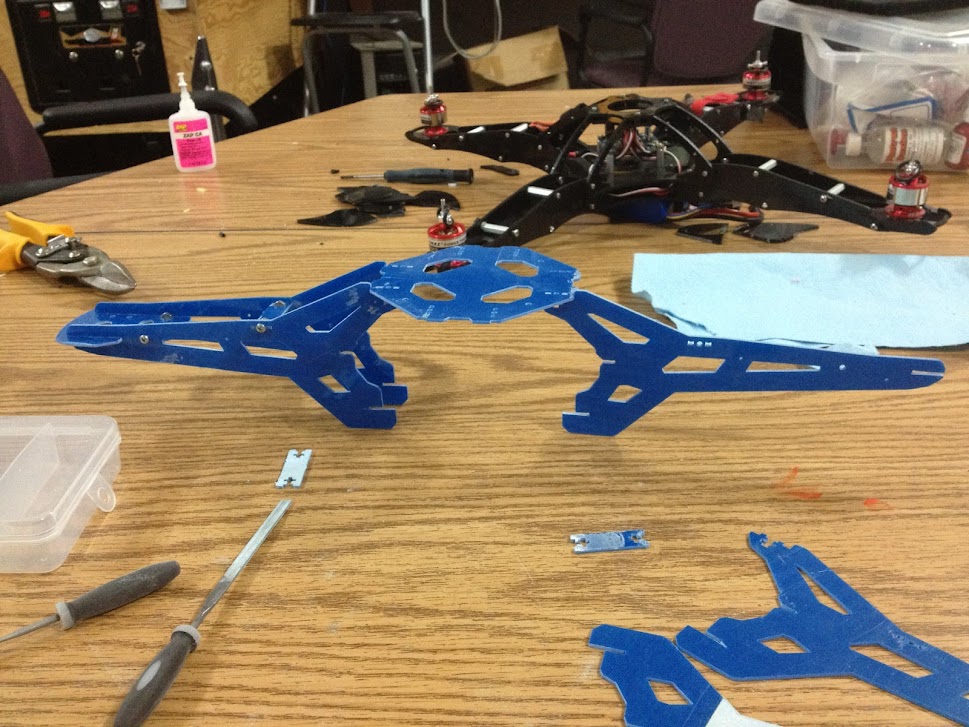
Got my X666 Glass Fiber and aluminum frame in the mail today.
Put it together in 30-40 min
Here are some build photos


constructed, without electronics it weights a whopping 419g. I think more powerful motors and props are in order.
PS in comparison to the 550mm copters with all electronics which I weighted at 619g.
Re: Quadrocopter Build Thread
Posted: Fri Jun 15, 2012 9:10 am
by JamesCooper
Nice John! That's a very slick looking frame. Should be fun

Re: Quadrocopter Build Thread
Posted: Fri Jun 15, 2012 10:09 am
by JamesCooper
For sax, here's how to program the new kkmulticopter firmware onto your flight control board:
- Download the firmware. You can use the original kapteinkuk QuadControl 4.7 from here. You can also use the one I modified to require less trim. It's on the space computer under "My Documents/Jamesc/QuadControllerV4_7/QuadController.hex"
- Open a command prompt (Start,Run,cmd.exe) and go to the directory where your firmware is stored
- Find Bergo's usbtinyisp AVR programmer. I think I left it next to the space computer. I just used the USB cable from the printer.
- Order is important: connect programmer to board, battery to board, then programmer to computer.
- Use the 6-pin header cable from the programmer and connect it to the quadcopter flight control board. The cable should be pointing back towards the yaw gyro
- Connect the battery to your copter. You should have your transmitter turned on with the throttle set to zero. You may want to remove the props and/or disconnect the motors. You need at least one ESC connected to power the flight control board. You may also want to set the yaw pot to zero to prevent the flight control board from trying to run the motors. However, I didn't find any of these necessary as long as the connections are all made in the correct order.
- Connect the programmer to the computer
- To test the connection, at the command prompt type:
It should respond with something about a valid signature. If it says it failed to initialize, check that the programmer is connected to the board the right way and that the board is powered up.
- If that works, use the following to flash your firmware:
Code: Select all
avrdude -p m328p -c usbtiny -U flash:w:yourfirmware.hex
- Reset your ESC ranges (power up with yaw pot set to zero and throttle at full, wait for beeps, then drop throttle to zero). You may also have to reverse your yaw gyro again (roll pot at zero with throttle at zero, then move axis that you want to reverse); test it by holding it in your hand and turning it first.
That should be it. If you have any questions, give me a shout.
Re: Quadrocopter Build Thread
Posted: Tue Jun 19, 2012 2:03 pm
by Bergo
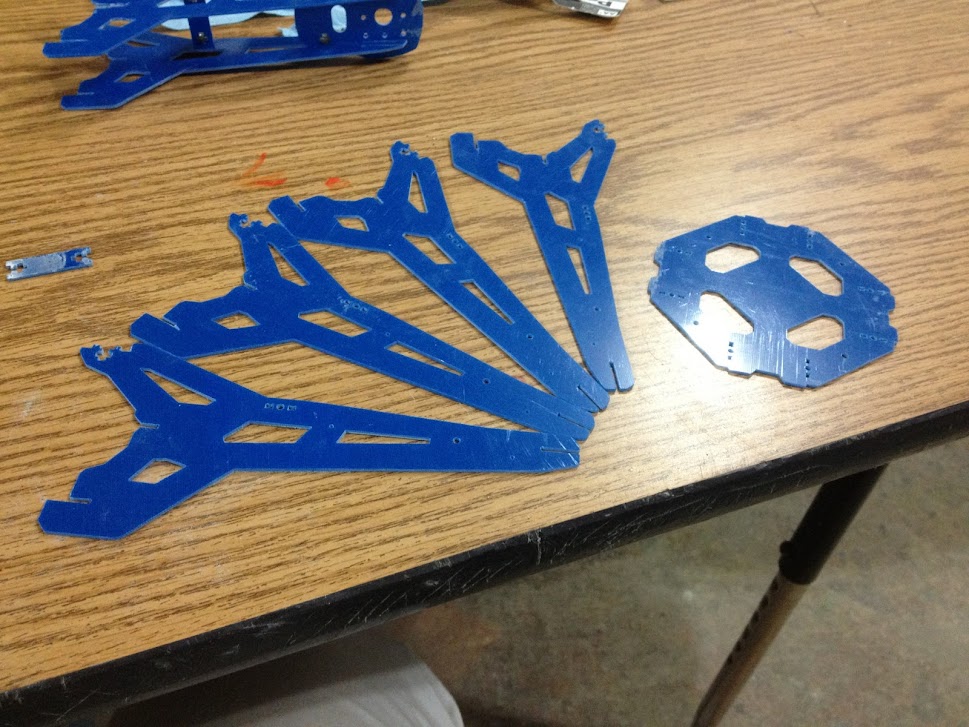
don't think I posted this yet:

Re: Quadrocopter Build Thread
Posted: Wed Jun 20, 2012 8:58 pm
by JamesCooper
John, the RC simulator dongles showed up today. I'll try to get down to the space and drop it in your bin in the next few days.